Introducing Custom Lists: Never Miss a Sales Opportunity
We're excited to announce Custom Lists - a powerful new feature that helps you find qualified leads for the parts you sell. Whether you specialize in specific makes, regions, or part types, Custom Lists ensures you never miss a potential customer.

What Are Custom Lists?
Custom Lists let you create personalized filters that match your inventory and expertise. Instead of manually browsing all buyer requests, you get targeted lists of potential customers - and receive daily email notifications when buyers post matching requests.
How It Works
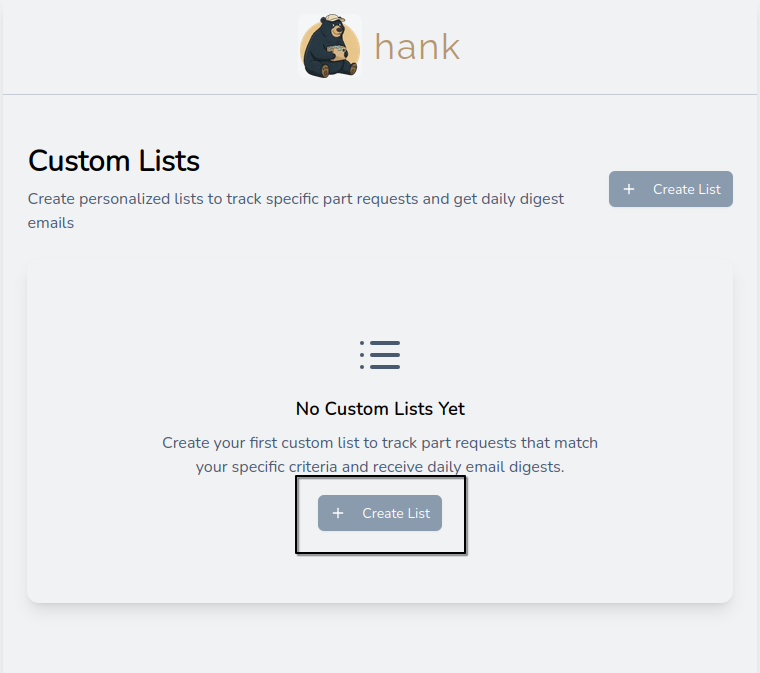
1. Create Your List
Navigate to the Custom Lists section in your dashboard and click "Create List". Give your list a descriptive name like "Opel Parts EU" or "BMW Engines 2010-2020".
2. Set Your Filters
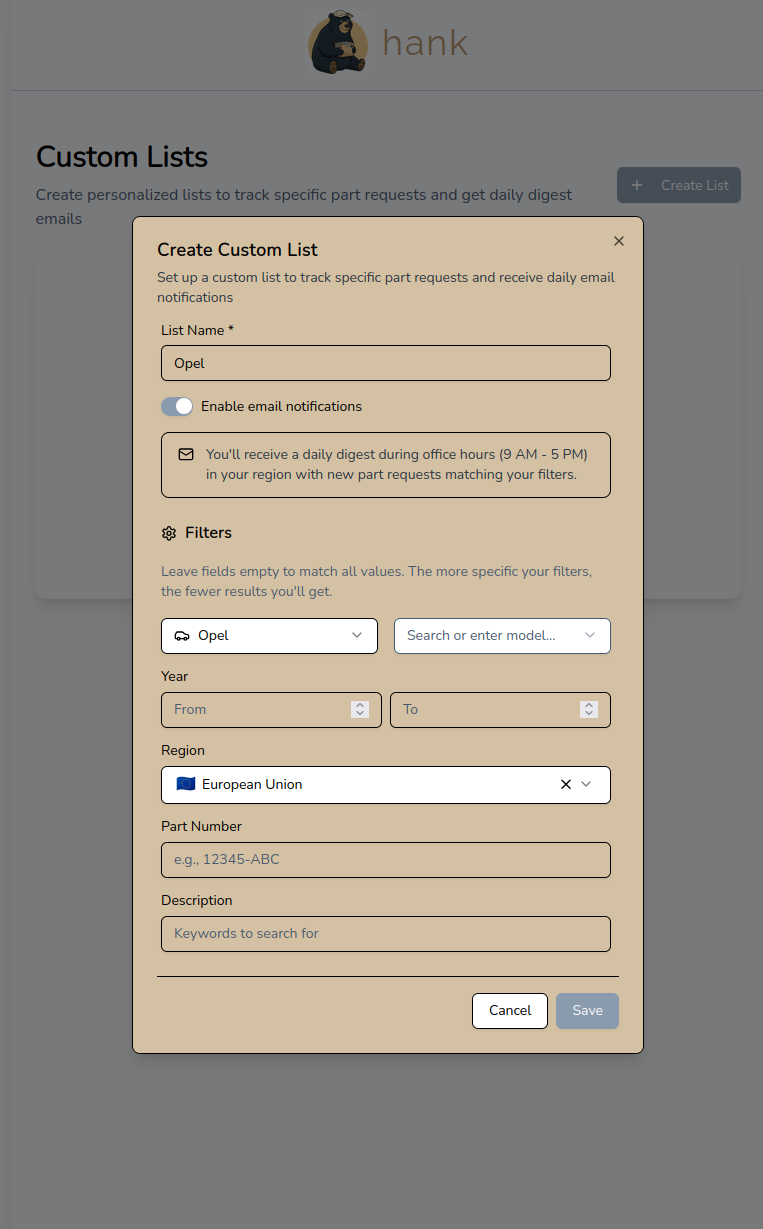
Customize your list with powerful filters:
- Make & Model: Focus on specific manufacturers or vehicle models
- Year Range: Target parts from particular production years
- Region: Filter by European Union or specific countries
- Part Number: Track specific part numbers you stock
- Keywords: Search descriptions for terms like "engine", "transmission", or "headlight"
Pro tip: Leave fields empty to match all values. The more specific your filters, the more targeted your results.
3. Enable Email Notifications
Toggle email notifications to receive a daily digest during office hours (9 AM - 5 PM in your region) with new buyer requests matching your filters. No spam, no noise - just qualified leads delivered straight to your inbox.
Real-World Use Cases
Specialty Shops
Create lists for the makes you stock. If you focus on French cars, set up lists for Peugeot, Renault, and Citroën to catch every potential customer looking for parts you sell.
Regional Sellers
Filter by region to focus on buyers in your shipping area. EU sellers can create separate lists for different countries or stick to EU-wide buyer requests.
Part Type Specialists
Use keyword filters to track specific part categories you carry. Engine specialists can filter for "engine", "motor", "crankshaft" to find buyers looking for exactly what you have in stock.
High-Value Parts
Track expensive or rare parts by part number or keywords. Get notified when a buyer posts a request for that specific component sitting in your warehouse.
Getting Started
Custom Lists are available now for all sellers. Here's how to set up your first list:
- Log in to your hank account
- Navigate to Custom Lists in the sidebar
- Click Create List
- Set your filters and enable notifications
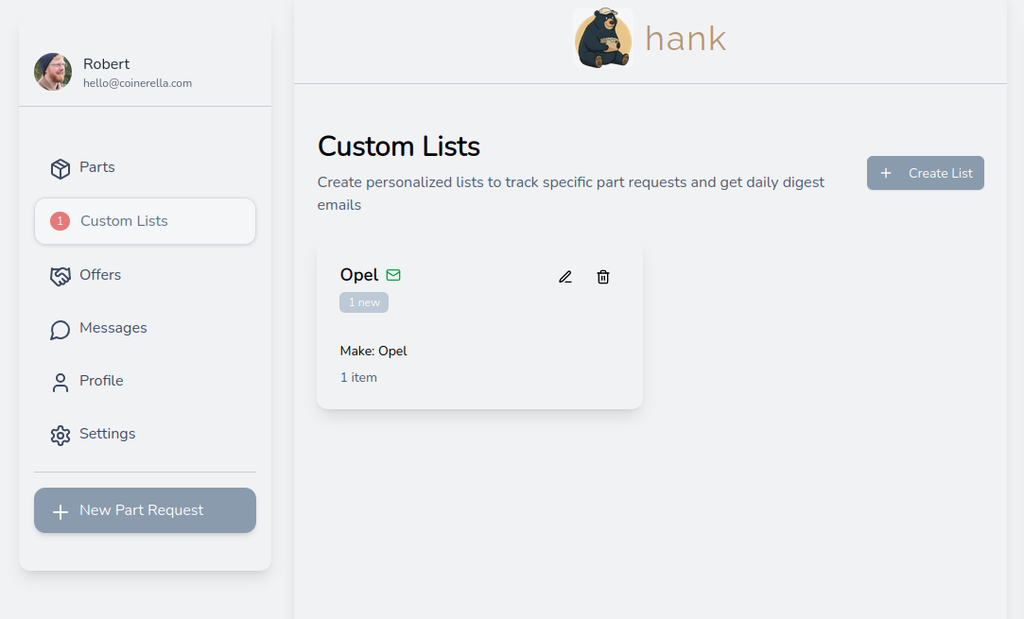
- Save and start receiving daily digests
You can create unlimited lists and edit or delete them anytime.
What's Next
We're already working on enhancements based on your feedback:
- Multiple notification times per day for time-sensitive leads
- Instant notifications for high-priority lists
- Advanced filters (price range, condition, urgency)
- Export list results to CSV for your sales pipeline
- Shared lists for team accounts
Custom Lists are just one more way hank helps you find the right customers faster. Turn your inventory into revenue - set up your first list today and start receiving qualified leads directly in your inbox.
Happy hanking!
Robert - hank team